


AI is a topic for quite some while now. Mostly in the form of chat bots or coding assistants. But there’s also AI for photorealistic image generation. Emphasis on “realistic”.
History
Sure, we’ve had digital people for years, e.g. YouTuber Ami Yamato, or virtual singer Hatsune Miku. But these were based on motion capture and/or pre-programmed movements/positions. And they look rather… artificial.
Car commercials use computer-generated images for a while now. But they can make use of a whole CGI department.
Around 2022, the first consumer-grade (and consumer-convincing) AI toolchains emerged. It started with “simple” face swaps and quickly grew into complete scene generation. Back then, you had to “train” the AI yourself – by giving it various example photos of the things you’d like it to memorise, and later (re-)generate. Huge collections of such photos became available for download. And, of course, several online services sprung up trying to sell you access to pre-trained models and features around photo manipulation.
Mid-2023, Aitana Lopez popped up on Instagram. An AI-generated character combining various traits that are deemed “attractive” by most people. Back then, they didn’t flaunt about being an AI character. Just a normal girl. And nobody noticed. Well, people DID notice her – but more because she apparently won the gene-lottery and was happy to show it off.
She gained followers on Instagram and this brought her advertising deals. Figures vary but at the end of 2023, media reported that account earning something between 4000€ and $16500 (AU?) per month(!).
Year 2026
Now in 2026, creating completely artificial but very convincing people directly on your computer at home and completely for free has been simplified to only a few clicks and a good prompt. I’ve recently stumbled upon this video which gives a quick tutorial about how to use ComfyUI, ⚡️-image, and Qwen3-4B to generate photos. I’ve tried it on my 2020 M1 MacBook Pro with 16GB RAM.
I left everything at the default settings, just reduced the output size to 512×512 and used a more low-VRAM-friendly GGUF model as explained in the video above. The default prompt reads:
“Latina female with thick wavy hair, harbor boats and pastel houses behind. Breezy seaside light, warm tones, cinematic close-up.”
After clicking the “Run” button, it took less than 5 minutes and then returned this picture:

If someone with that profile picture would send you a friend request on a social media website – would you suspect this to be some guy performing a romance scam? And this picture is unique – so it won’t even show up on any reverse image search or on these “don’t fall for this scammer” webpages. Also, I can generate another picture in only 5 minutes on my 6 year old laptop. “Her” walking her dog, driving a car, going shopping. The limit is only my imagination (and what the image generation model is capable of). But you could easily create a completely fake but very convincing profile of a person that doesn’t exist.


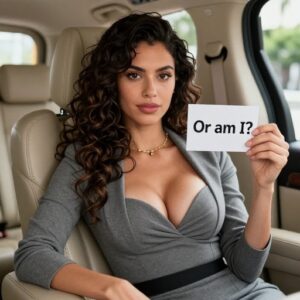
All these photos have been created using very basic prompts based on the example one. If you want to do it properly, you’ll want to spend a big portion of the prompt describing the looks of the person so “he” or “she” looks identical in all the generated images. Also, you will want to tweak the parameters to make the skin a bit more imperfect and less washed out. This will take longer to process, but the results will be far more convincing.
Just Breezes
And it doesn’t stop there. The Z-image model is also capable of generating far more explicit pictures.
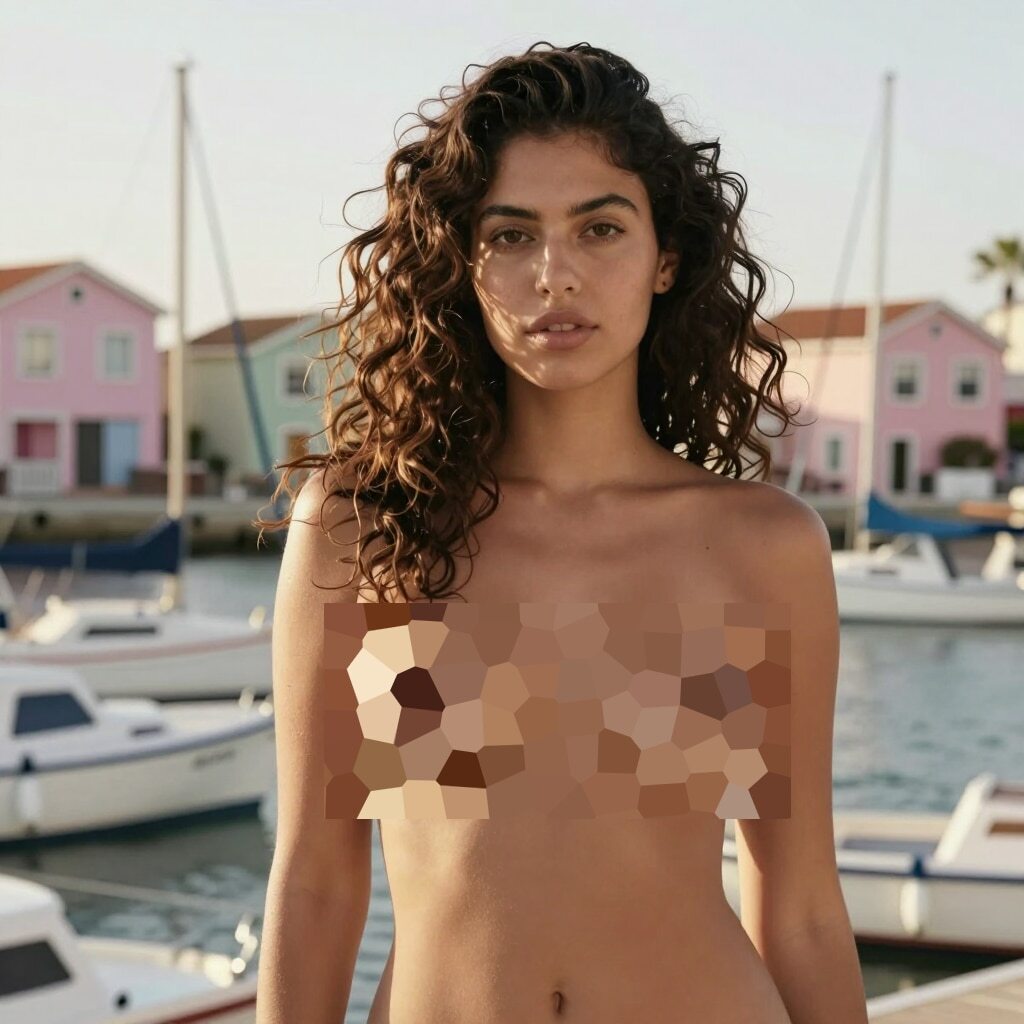
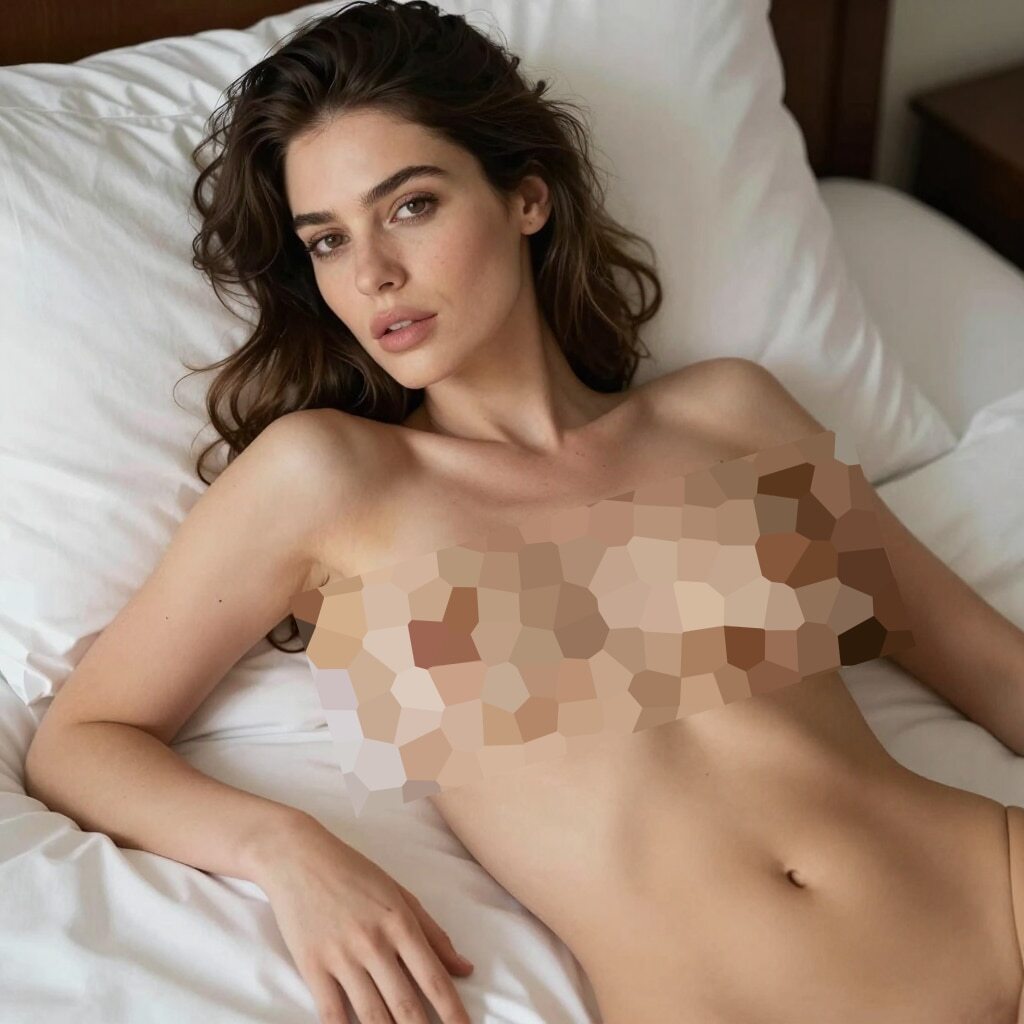
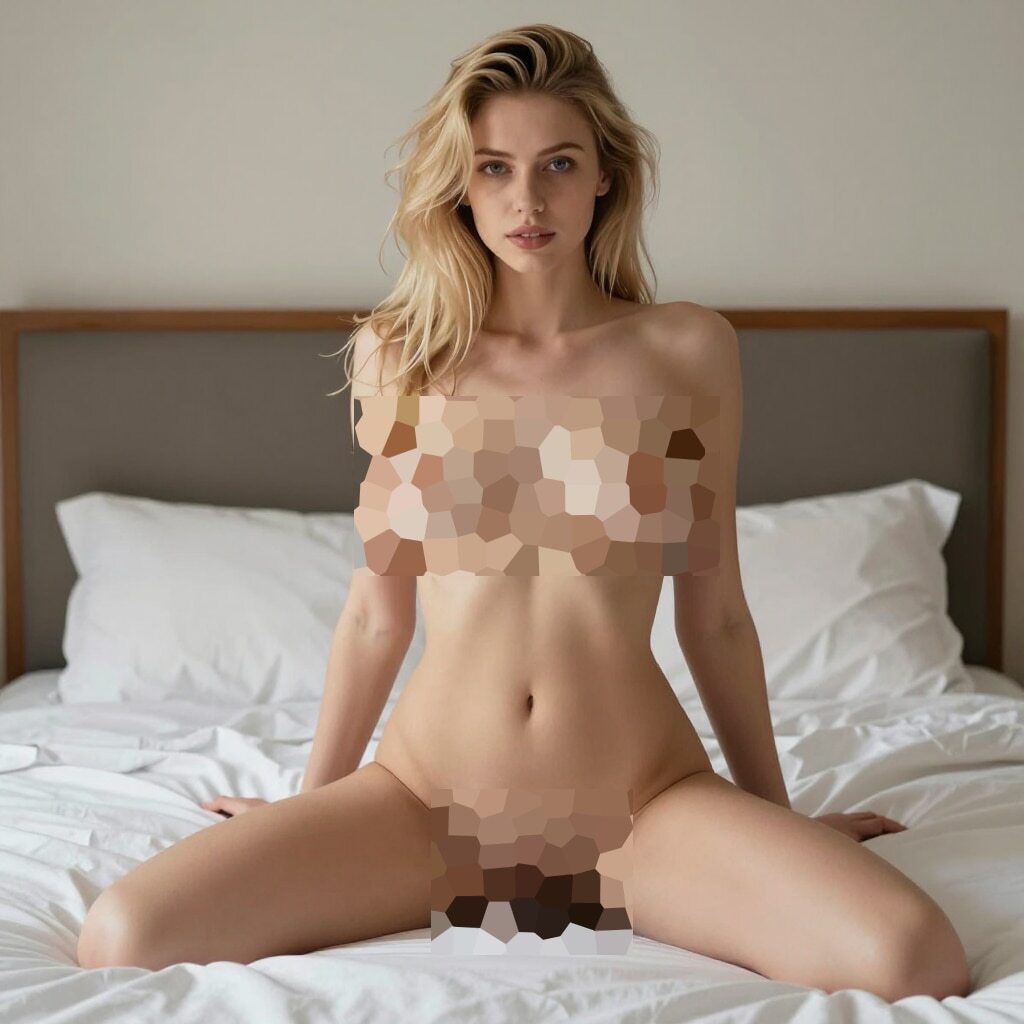
Makes you wonder how many accounts on that windy website are run by some dude trying to rake in a bit of money. And I’ve just seen an ad for an AI girlfriend that started with “Most women have limits. I’m an AI girl. I don’t.”
News or “News”?
Surprise, it also works for other situations. Maybe you want to create some emotional story of someone struggling in a war-ridden country? AI has you covered:
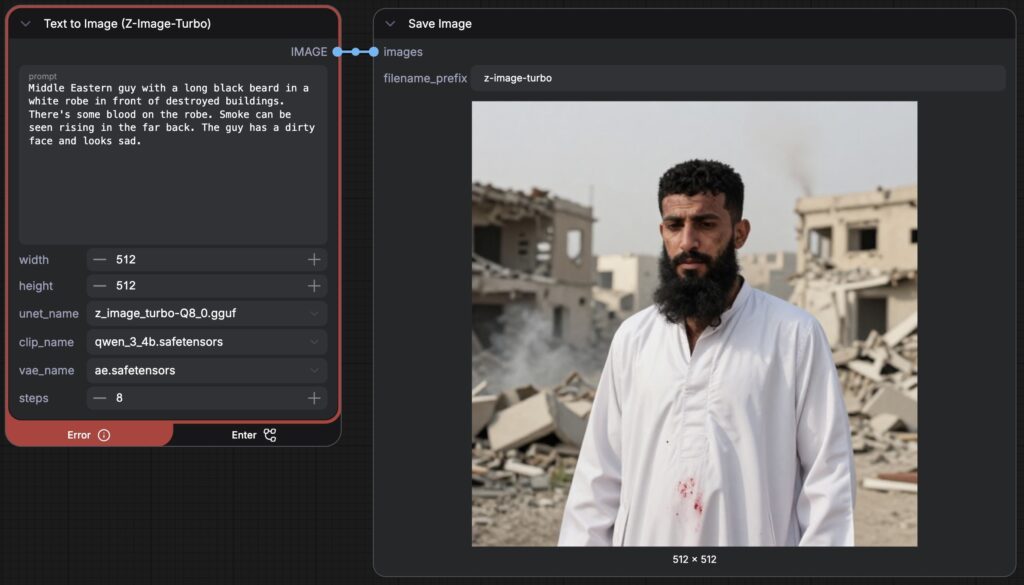
And, again, this is on my old laptop using simple prompts so it doesn’t take too long. If you invest more time, the result will be even better.
Welcome to the new online era where you can’t be sure that anything is real anymore. And especially:
Trust no one!
(And don’t give money to strangers!)



The jump from Aitana Lopez needing actual training data to just prompting something on your MacBook is wild – feels like we blinked and suddenly everyone can do this stuff at home.